openswissdata.
Menu

Swiss data · Independent service

Switzerland,
in data.

Customs tariffs, economic classifications and the FINMA registry. Structured files that take you from the source to your tools.

Documented sourcesOne-time purchase · File access
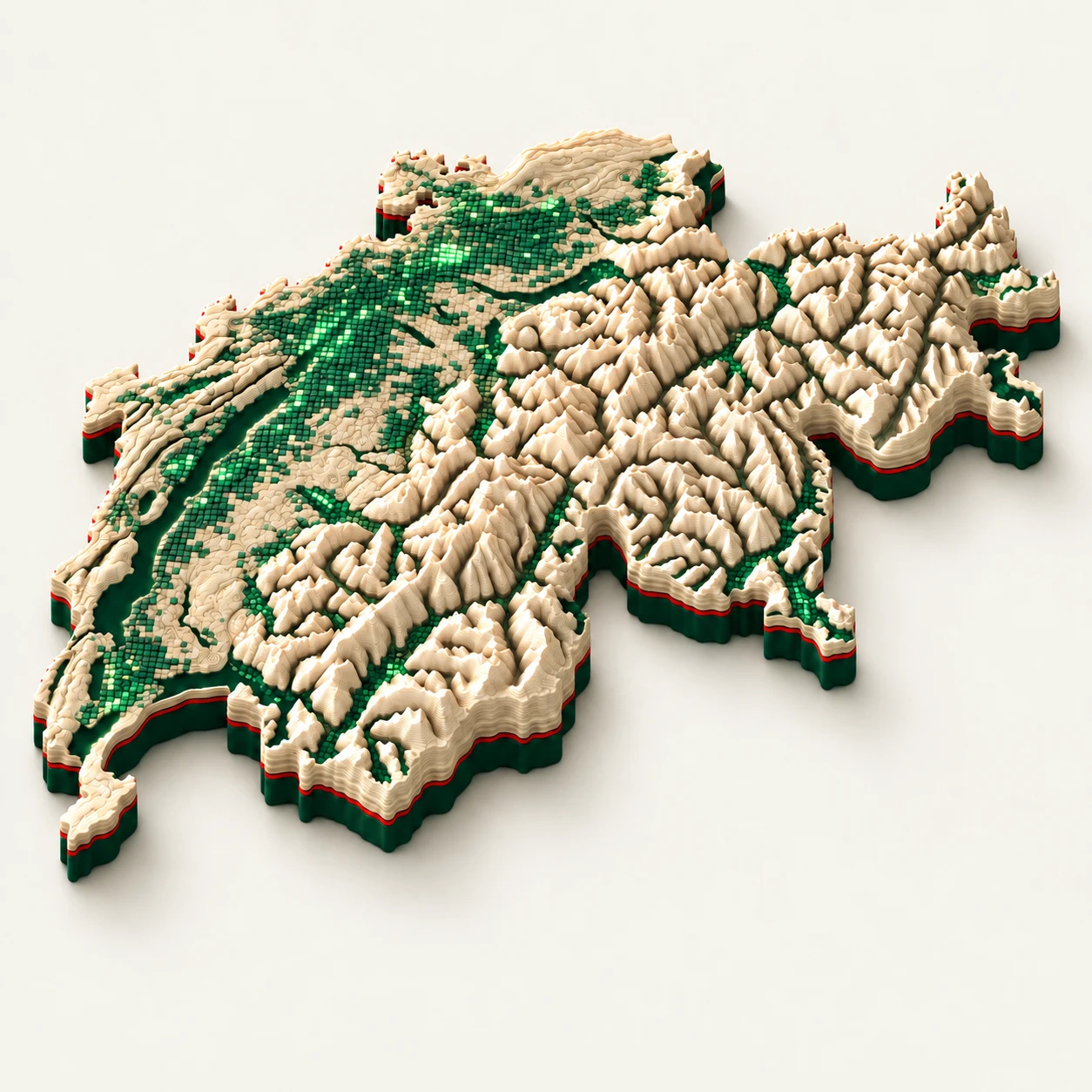
Artistic illustration

Illustration created with ChatGPT. The relief and green pixels evoke Switzerland and its data. They do not represent exact elevations, geology or measured network coverage.

Public sources. Independently prepared.

BAZGOFSEurostatONUFINMAGLEIF

01 / The data

Choose the file that fits your needs.

Three independent products or one bundle. One-time payment in CHF; 360 days of updates included.

FINMA REGISTRY

The registry, in your tools.

Public UID registry and separate warning list. GLEIF enrichment uses exact UID matches, with no identity inferred from similar names.

  • EXCEL
  • CSV
  • JSON
  • PARQUET
  • SQL
299CHF
FINMA / REGISTRY

One registry. Multiple formats.

Excel workbookWorksheets and reading guide
Structured filesCSV · JSON · Parquet · SQL
Sources & checksSigned manifest · SHA-256
Checking…Content and quality

TARES

BAZG

Customs tariff

HS8 · Descriptions DE/FR/IT

Swiss codes and tariff rows with units, dates and conditions. A missing summary does not mean zero duty.

Checking…

CLASSIFICATIONS

OFS · Eurostat · ONU

NOGA · NACE · ISIC

5 classifications · Languages vary by source

NOGA 2008/2025, NACE 2/2.1 and ISIC 4. Sourced relations with explicit precision and migration limits.

Checking…

All three files together

CHF 200 less than separate purchases

797 CHFView the bundle ↗

Checked against the distributed catalogue. Dates identify the published collection, not the date of an official decision.

02 / Your workflow

From sample to integration.

Review the content and limitations before integrating it into your work.

01

Check the content

Download a sample and review the quality page: available fields, languages, formats and limitations.

02

Confirm your purchase

Stripe processes the payment in CHF. Access is granted after payment confirmation.

03

Download the files

The delivery email opens a download page. Your files are also available in your account.

04

Verify and integrate

Check signatures and checksums, then adapt the import to your tools. The time needed depends on your system.

03 / Our method

Structured data for your tools.

Provenance and permissions ↗
Import

CSV, JSON, Parquet and SQL

Tabular files with schemas and a reading guide. The FINMA registry also includes an Excel workbook.

Verify

Sources and signatures

An Ed25519-signed manifest and SHA-256 checksums let you check delivered files. Sources and collection dates are documented.

Interpret

Explicit limitations

Customs units and conditions are preserved, exact and approximate mappings are distinguished, and FINMA warnings remain separate from the registry.

04 / Frequently asked

What to know before purchasing.

Sales terms ↗
Contact support ↗
How often is the data updated?

FINMA collection is scheduled daily and TARES weekly. Classifications are published after official sources have been checked. Failed checks can block a collection; each product page shows the version actually available.

What does the quality information mean?

It describes the archive currently distributed: volumes, populated fields and consistency checks. It does not validate individual business decisions or guarantee the completeness of official sources.

Can I map classifications automatically?

Only when the relation supports it. Approximate mappings and aggregations require a review of the activity. Migrating six-digit Swiss activity codes requires a dedicated table.

What happens when a format changes?

Daily monitoring detects changes to tracked sources. Collection rejects unexpected formats. Schema changes are explained in the README and quality page; review these before replacing a version in your system.

How can I verify provenance?

provenance.json describes the files and their checksums. Its Ed25519 signature is checked using the public key; checksums refer to the listed files, not the ZIP containing the manifest. The provenance page explains the method and documented permissions.

Does a purchase install the data in my ERP?

The formats are intended for integration by your team. A ready-to-install SAP, Odoo or Sage connector is not included by default. Test the sample in your environment.

How do I request support or a refund?

Contact contact@openswissdata.com with your request or purchase reference. The sales terms describe refunds within 14 days.

For your tools & assistants

Review the product pages and samples, or try the free MCP tools. New paid MCP subscriptions and Classifications Pro are currently closed.

MCP / HTTPclaude mcp add --transport http openswissdata https://mcp.openswissdata.com/mcp/jsonrpc